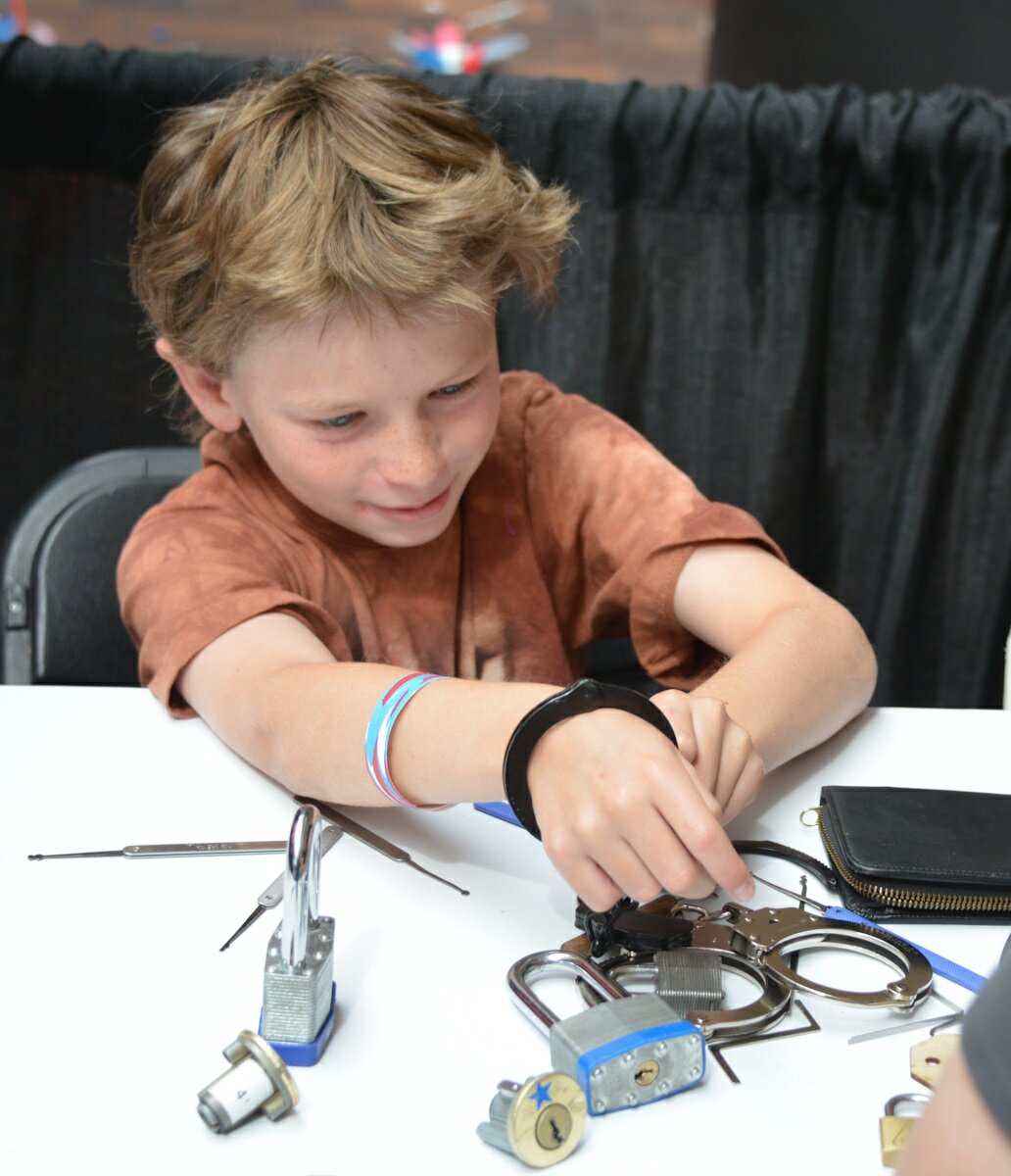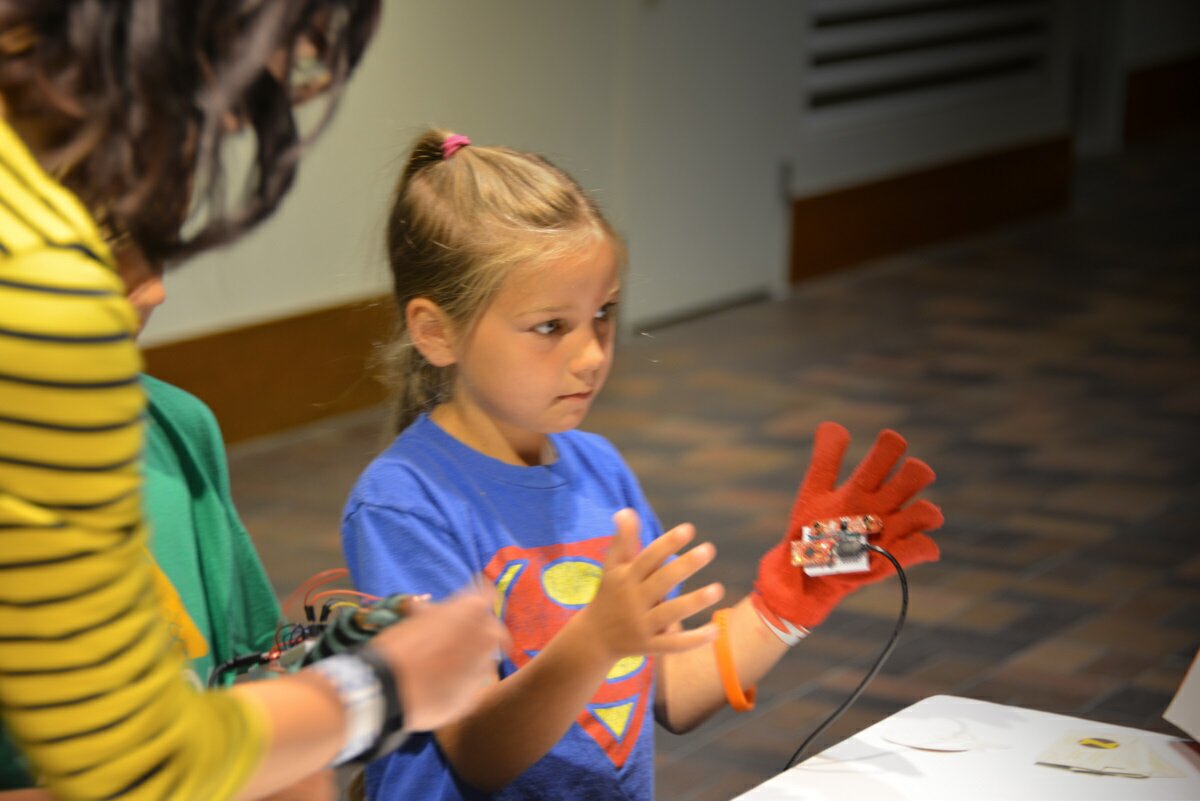
Solid State Depot Fall Workshops/Classes!!!

Summer is coming to an end, and that means school is back in session. To get into the swing of things we’re putting on workshops/classes galore! We will be putting on events three weekends in a row starting October 13th. We are now hosting all of our events through Meetup.com. This will slightly change the way you sign up for events with us. We are dividing events into two categories:

  • Classes – events where the attendees aren’t required to bring anything (except maybe a laptop). Payment can be made before the event or at the time of the event.
  • Workshops – events where materials will be provided for a fee. Payments need to be received in advance so materials can be purchased accordingly.

Registration and payment for events will proceed as follows:

For Members: Both classes and workshops are free for all current paying members of SSD. If it’s a workshop, members will get the materials at cost. Members are required to RSVP on the Meetup.com site to register for an event. However, they are not required to pay through the Meetup.com site (unless they want to pay full price ;) ) Instead, a separate donation can be made through the SSD website for the member cost of the workshop. This should be done at the same time as RSVPing. Both member and non-member costs will be posted in all event announcements. If the event is a workshop, payments will need to be made in advance so materials can be purchased for the event.

For Non-Members: There will be a cost associated with both types of events for non-members. To register and pay for events, use the Meetup.com site. If the event is a workshop, payment will need to be made in advance. If the event is a class, payments can be brought on the day of.

We accept all of the following payment methods:

  • PayPal (through the SSD website or the Meetup.com site)
  • Credit Cards (using a Square)
  • Cash

And now, on to the good stuff….

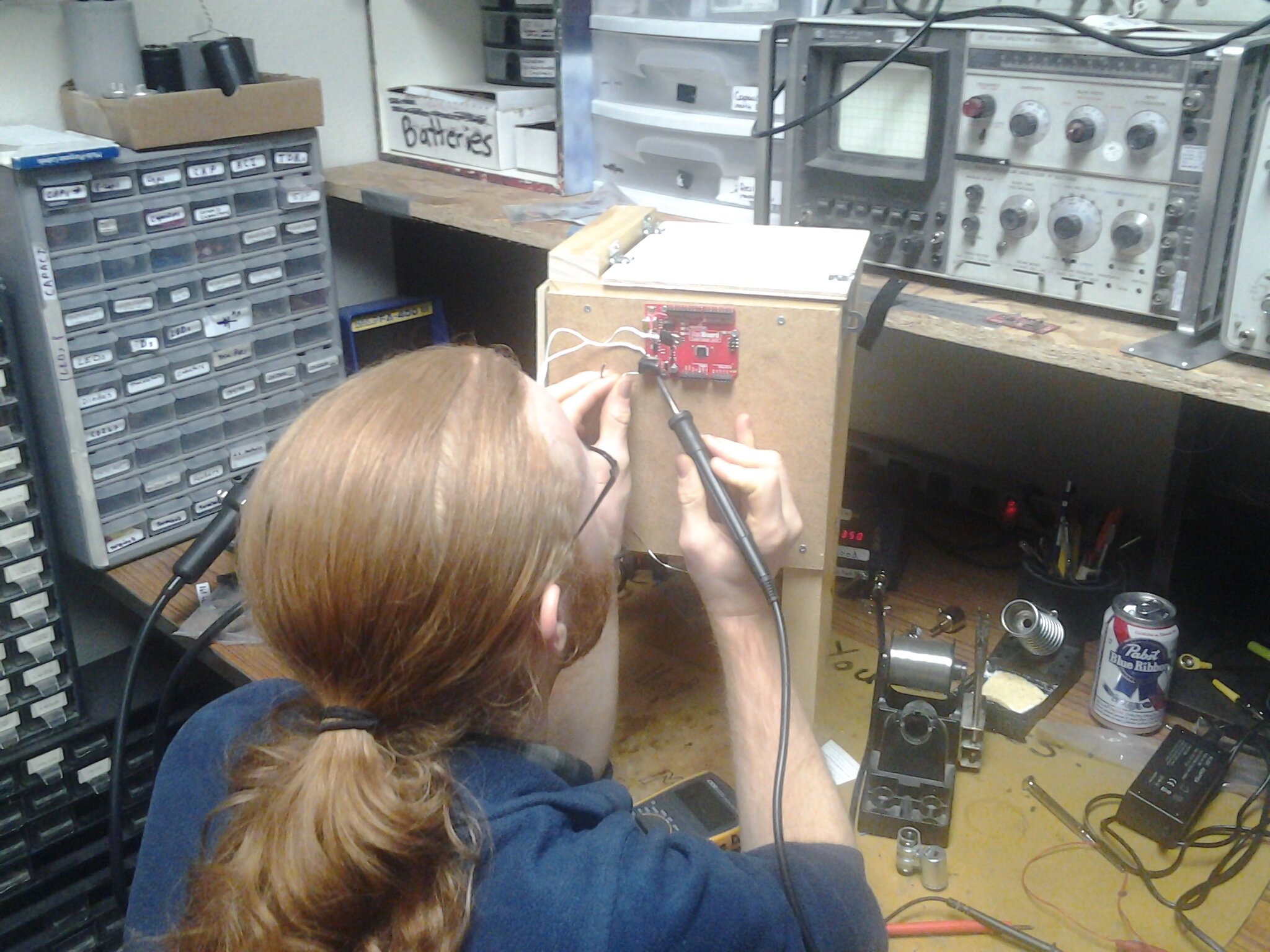
Soldering Workshop: MintyBoost
What: MintyBoost Mobile Device Charging kit
When: Saturday, October 13, 2012, 12:00pm – 3:00pm
Where: Solid State Depot, 5311 Western Avenue, Suite 115, Boulder, CO 80301
Why: To learn to solder! And, to have a sweet mobile device charger that you built.!
Who: Instructed by Joel.
Cost: Members: $13, Non-Members $25
Want to learn to solder for the first time? Want to hone your soldering skills that may be a little rusty? Then this is the class for you.

We will start by covering some soldering basics, and then we will be putting together MintyBoost kits, which allow you to charge mobile devices with AA batteries. The workshop will last 2-3 hours, and when you are finished, you will have a fully functional MintyBoost. Soldering iron and other tools provided. (Altoids tins NOT provided) Please bring your own if you have some.

SSD Members, please pay here, under the donations section.

Intro to 3-D Printing Class

Who: Anyone interested in printing 3D objects. Instructed by Lee.
What: 3D printer workshop
When: Saturday, October 20th, 2012. From 2pm-4pm.
Where: Solid State Depot 5311 Western Ave, Suite 115, Boulder, CO
Why: To put objects YOU design on your computer into YOUR hands!

Cost: Free for members, $20 for non-members.

We will be covering the basics of 3D printing from the hardware to the software. 3D printers are robotic machines capable of extruding plastic in ways that create real, physical objects that you design. You will leave with an understanding of what a 3D printer is capable of making, how to operate it and how you can build your own. You will learn how to use open-source software tools to configure and control the printer, and “slice” your own designs for printing.

No tools required to attend, although you can bring a laptop if you wish to setup printer software on your own computer.

Introduction to Pure Data Class: Oscillators, Sampling, and Filters

Who: Instructed by Chris.
What: Pure Data Class
When: Saturday, October 27, 2012. From 1pm-3pm.
Where: Solid State Depot 5311 Western Ave, Suite 115, Boulder, CO
Why: Why not? Also, to mix up a bit and get some software classes in the lineup.

Cost: Free for members, $10 for non-members.

Pure Data (Pd) is a visual programming environment for generating, processing, and manipulating audio. With Pd, you can design your own synthesizer, build custom effects for your guitar, or compose music algorithmically. This workshop will introduce the basic concepts of working with audio in Pd, with a focus on oscillators, sampling, and filters. No experience necessary. We’ll start with a group install; Pd is free and open source software.

What to Bring:

-A Laptop (Windows, Mac, or Linux)
-> If you can install Pd before the workshop, that will save some time. What you want is pd-extended (http://puredata.info/downloads/pd-extended)
-Headphones
-MIDI controller (optional)

Introducing SparkFun’s Engineering Roundtable Video Series

Our friends at SparkFun have launched a new educational video series called Engineering Roundtable, with the latest episode featuring one of our founding members, Joel Bartlett.

In the second episode of the series, Joel shows and tells us about the process of visualizing sound called Cymatics. Watch grains of salt organize into several different shapes in response to different frequencies passing through an acrylic plate. Learn the history, how it works, and how you can build your own.

Episode 1 featured Chris Taylor (who also helped SSD get started back in 2010) makes a sign out of EL wire that looks like neon:

Also check out the article “5 Questions for SparkFun’s Engineering Roundtable” from Wired magazine introducing the video series and interviewing Joel, Chris and their third engineer, Nick Poole.

Watch for new episodes the 2nd and 4th Monday of each month.

Way to go, Joel and Chris!

Lost-PLA Aluminum Casting

Last Sunday, several Hackerspace members came over to check out my David Gingery-style aluminum casting setup.   We tried “lost-PLA” casting, and it worked out pretty well!

Aluminum Yoda

Lost-PLA: Works, It Does

 The test target was the 3D-printer-classic Yoda head.  It was printed on a RepRap in PLA and bedded directly in sand.  Molten aluminum was poured straight into the PLA, vaporizing the plastic as it filled the mold.    Overall, this process makes for a shorter, simpler route from a virtual 3D model to a solid aluminum object than anything else I’ve done or heard of.

Jim printed Yoda on his RepRap Mendel with minimal infill.    In order to put the sprue on the bottom it was cast upside-down.  So I started by setting the plastic model on a molding board, and rammed up the drag (packed in sand) around it.  Rolling over the drag, I set a 1″ sprue pin on the exposed base of the pattern, and rammed up the cope around that.

The actual pour was somewhat exciting (that’s a bad thing), as you can see in this video Seb shot.  On the initial pour, it appeared that the aluminum failed to enter the pattern at all.  (Castings fill wildly faster than I expect, plus I was distracted by the sudden eruption of fire.)   The flames died down, revealing a gas-filled bubble of aluminum rising from the sprue.  This is a bad sign, so I tried pouring in a bit more aluminum.  This is generally pointless and never does any good, but it’s hard to resist trying.  So the extra just filled up the sprue a bit more, expanded the puddle on the surface, and torched the strap holding the flask together.

After the pour, we were all convinced the experiment had been a complete failure.   As we  knocked the casting out of the sand, I fully expected to find a misshapen, formless blob.  So convinced was I of failure, that with the casting still too hot to touch without heavy gloves and covered in burnt sand & plastic residue,  I assumed we were looking at scorched PLA.  I had just begun to speculate about how the plastic could have survived so entirely intact when Jim grabbed a stick and whacked Yoda on the head: Ding!  Surprise victory!

Overall, the reproduction quality is excellent.   In spots you can even make out the fine striations from the 3D printer.  The parts that didn’t work:

  • Yoda’s long, thin ears didn’t fill, which was entirely expected.  This might be resolvable with the addition of gates & vents so that the aluminum can come in from the bottom while vaporized PLA escapes upward.
  • The wide flat-bottomed base of the shoulders didn’t fill.  Upside-down this became a wide flat-roofed space, which trapped a big enough bubble of escaping gas that it couldn’t get out through the  bottleneck at the base of the sprue.  If I’d realized this ahead of time, I would have made a bigger sprue covering the entire base and this wouldn’t be an issue.

In any case, I’m pretty excited about the possibilities with this process.   It eliminates lots of tedious pattern making and at the same time radically expands the variety of things I can cast.


Here is a picture from Jim of the pattern mid-print; showing off the fancy 10% hex infill:


Pure Data Workshop

Introduction to Pure Data: Oscillators, Sampling, and Filters

Who: You
What: Pure Data Workshop
When: Saturday, August 11th. From 1pm-3pm.
Where: Solid State Depot 5311 Western Ave, Suite 115, Boulder, CO
Why: Why not? Also, to mix up a bit and get some software classes in the lineup.

Cost: Free for members, $10 for non-members.

Pure Data (Pd) is a visual programming environment for generating, processing, and manipulating audio. With Pd, you can design your own synthesizer, build custom effects for your guitar, or compose music algorithmically. This workshop will introduce the basic concepts of working with audio in Pd, with a focus on oscillators, sampling, and filters. No experience necessary. We’ll start with a group install; Pd is free and open source software.

What to Bring:

-A Laptop (Windows, Mac, or Linux)
-> If you can install Pd before the workshop, that will save some time. What you want is pd-extended (http://puredata.info/downloads/pd-extended)
-Headphones
-MIDI controller (optional)

SparkFun’s Autonomous Vehicles and SSD’s After-Party


Below is a short recap of June 16′s two events, SparkFun’s annual Autonomous Vehicle Competition, and the following after-party at our space.

The AVC was a fun event, several SSD’ers were there to cheer on the ground and air vehicles trying to make it around the SparkFun building in Gunbarrel. Details in SparkFun’s recap of the AVC. In addition to the competition, SparkFun offered tours of the building, catered food for purchase, live music and other announcer entertainment.


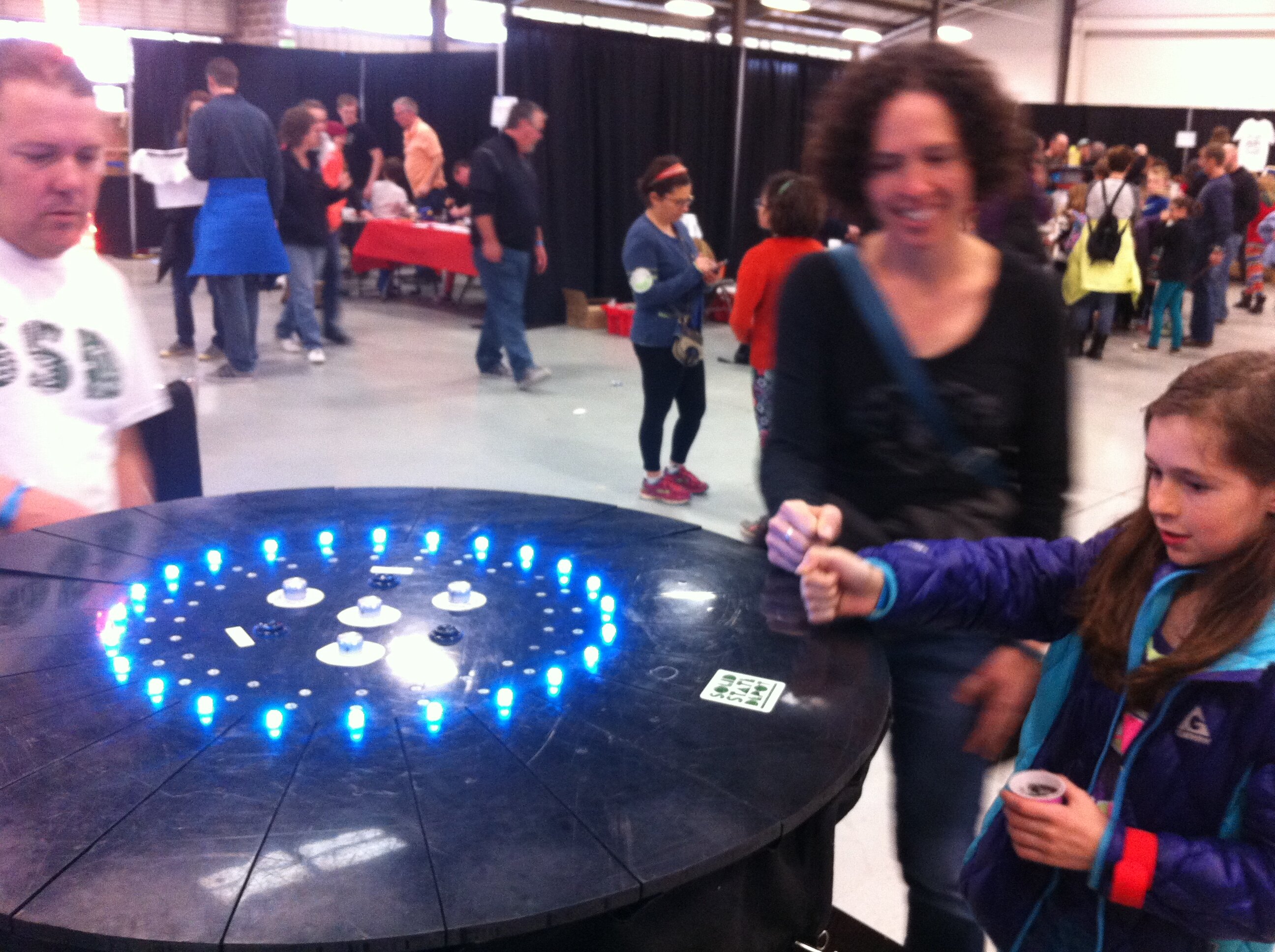
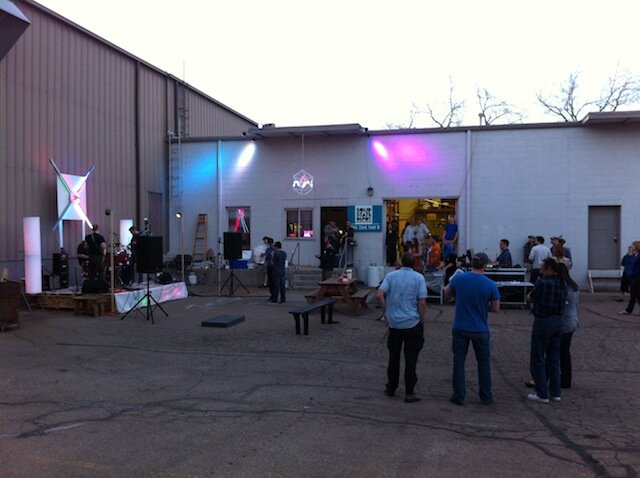
After the AVC we held a party/bbq at our space on Western Ave. In addition to the food we had a number of activities: Peter brought his DJ setup and spun tunes for us and Chris C, Ry N, Ben B, Tijlon and others played guitars. John E brought the centerpiece for his hit Apogaea art installation, the Sound Puddle. We got our Rubens’ tube going after dark – videos
here (with description of construction),
here (to guitar, shows more definition in the wave), and
here (close-up).
The food was great and the conversation was lively. We’ll try to make this a once-a-quarter activity :)

SparkFun AVC + Afterparty at SSD on June 16

On Saturday, June 16 SparkFun is having their annual Autonomous Vehicle Competition from 8:30 am – 5 pm. There is a spectator registration so they can plan accordingly, accessible through their link. The event is free to watch and registration will take you approximately 17 seconds.

Post-AVC the SSD is having an afterparty, so drop by our lovely space at 5311 Western Ave #115 for an evening of gleeful geekery and fabulous fun & potluck food. In addition to friendly banter about the AVC participants, we will also be paying homage to the influential Alan Turing who would have been 100 years old in June. The biggest reason to come, though, is to hang out with a bunch of intriguing, imaginative, and innovative people, which is undoubtedly our biggest asset.

Bring: food/drink to have & share (barbecue available), something to show and tell.

We’ll have: lots of interesting things to show and tell about and we will provide some food and drink (so no worries if you can’t bring anything, the important thing is you, just bring yourself :)

Our plans are to have most if not all of the following impossible things on hand to dazzle your senses:
. watch music fire dance on a Ruben’s tube
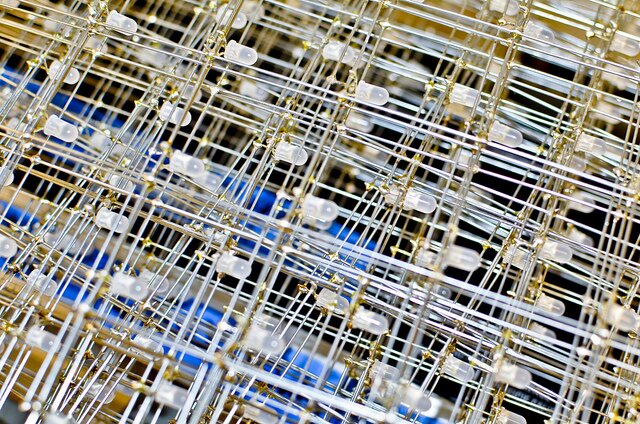
. watch music LED dance on Bryant’s Boom Cube
. play with John M’s achy-breaky gearless heart (warning, it’s pretty fragile, please be gentle)
. watch the Reprap 3D printer replicate itself and/or Yoda’s head
. turn Lizz on by playing with her fire (I mean, lightning)
. watch the plants grow in the Autoponics room
. play games with Free’s balls (from Orbotix, driven and popularized by Obama when he was in town)
. embarrass yourself trying to use one of John E’s hula hoops
. see how Rob’s 2-gear red bike works
. play games on Rob’s MAME arcade
. shock yourself with EL wire
. an impromptu cruiser bike ride is not out of the question

No RSVP needed, drop in when you can, see you then!

Gone Fishing

A few of our members created an interactive digital installation called “Gone Fishing”, now on display at the CU Museum of Natural History in Boulder. As you enter the museum you will be greeted by a school of virtual fish swimming on the floor. Step onto their virtual pond and the fish will swim away from you.

How it works:

Directly above the fish display attached to the ceiling is an XBox Kinect next to a projector. The Kinect is essentially a motion sensing webcam. The Kinect is calibrated to detect where you are within the 2-D fish matrix. The system is constantly updating as you move, and the virtual fish are programmed to avoid your virtual “shadow” within the system (the Kinect sees you, not your shadow that is cast by the projector). The projector projects the image of the fish onto the floor, with the magical result that the fish flee from you as you move.

The installation opened on Friday April 27th 2012 at the CU Museum of Natural History in Boulder and was spawned by the imagination of CU students / CU Hackerspace Club members Todd Bernhard, Jess Garrett, Peter Klipfel and Anne Gatchell. (Todd, Jess and Peter are members of Solid State Depot.) You can drop in and see the fish swimming in their virtual aquarium through the summer and beyond.

Watch it in action:

Creating Physical Reality: 3D Printing with the Reprap Prusa Mendel

We now have a working Reprap Prusa Mendel 3D Printer at the space!

3D printing aka additive manufacturing is a process of making three dimensional solid objects from a digital file driven by a computer. Plastic is fed from a reel and heated and extruded onto a surface where it is additively layered to create 3D shapes. Reprap stands for replicating rapid prototyper, i.e. the printer can print its own parts (the plastic ones anyway, with a little care and feeding from a human). Similar to a regular 2D ink printer, you use special software on a computer (Windows or Mac) to design your print, then direct it to communicate the specs to the printer. In this way it is a computer numeric controlled plastic extruder. (I can’t help thinking CNC plastic factory and want to go listen to 90′s music by C+C Music Factory.)

The Prusa Mendel was graciously donated by Eric M and initially had some firmware and extruder problems to sort out. Jim T & Tijlon addressed the issues one by one and got it working properly and dialed in (calibrated). It has been merrily printing away for a couple weeks now and is nearly done spawning new parts for another printer that Jim is making for himself. Jim figures the cost to make a new reprap will be about $500 total, breaking down into about $350 for motors and electronics, $30 for the plastic, $120 for metal pieces + around 100 hours printing time for the plastic.

After Jim gets the second printer working and dialed in, he plans to offer a workshop in late June or early July to show us how to create computer-directed shapes and coax them out of a reel of plastic. The format of the class is not yet set, either a one or two instruction or possibly a series, covering the bases from how to use the Sketchup software, how to export and print in 3D, taking us from design to print. Jim is also planning to print parts for another reprap and offer them for sale, with proceeds to benefit the space.

Joel is also separately working on getting another printer up and working (the blue one in the photo). In other fun new toy news, we also recently had another member, Dixon, donate a CNC machine. We scratched our heads for a while as the parts were lining up a bit wonky, but Tijlon gave it a little encouragement over a weekend and it is now up and running too. More on that in an upcoming post.

Arduino Class at Communikey Festival

On Friday April 27, Solid State Depot teamed up with SparkFun and the CU Hackerspace Club to offer an Intro to Arduino class as part of the Communikey Festival. The class was held at the CU-Boulder campus in the ATLAS building. About 15 students attended. Dave from SparkFun led the instruction and did a wonderful job getting everyone set up and enthusiastically programming Arduino ProtoSnaps to blink and fade LEDs, measure light with a sensor, read minds, etc. About a half dozen or so helpers from the 3 organizations assisted the students in getting set up to program and troubleshoot missing semicolons and the like in their code.

The curriculum for the class was similar to that used in the workshops we’ve put on at SSD. (We’re about due for another one of those, aren’t we? And we’ll try to give a little more advance notice next time!)

Autoponics Update: The Surreality of (Hacker)Space Farming

If you haven’t been by the space lately, you are missing out on the future! The future that is robotic farming, aka Autoponics.

I remember Daniel Z talking about this idea over a year ago and it is now a growing concern, quite literally. A grant from CU was quite motivating to make the Autoponics vision finally become a reality. Literal physical seeds were planted in early March, and it only takes a glance to tell the project is a success.

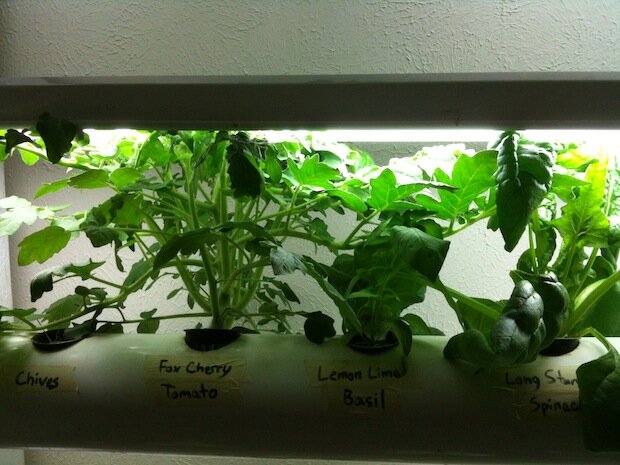
As we watch the plants reach up and out – tomatoes smothering their chive neighbors, zucchini blatantly ignoring its flourescent ceiling, lettuce bushing out healthily – it’s becoming difficult to see the matrix for the plants. The skeletal system includes 1/2 inch spray lines for irrigation contained within 4 inch diameter PVC pipes for housing, holes for small pots with growing medium for the plants. Water circulates via a pump and fluorescents provide light. While the team members had begun working on implementing an RGBD (“D” for depth) using the Microsoft Kinect and Asus Xtion Pro structured light sensors, the resolution was just not good enough to capture the level of detail they were after. So, they moved on to using a high resolution webcam for visual data and a laser scanner to reproduce the contours of the plant as a 3D point cloud. The monitoring system which will judge the plants’ needs, identify growth stages, and alert the team through a web interface when the plants are ready to harvest.

The group set up a special website where you can find more info and watch the plants grow from the comfort of your laptop via a live webcam (the webcam is presently unavailable due to exceeding bandwidth – hope to be back online soon). Or even better, drop by the space on a Tuesday evening or a Sunday afternoon, when the team, which includes Daniel Z, Todd, Peter, Ben and a few others, gathers to augment and improve the setup. (Check with our Google Group or Daniel for time on Sunday.)